Seasonal IT Maintenance Tips for Businesses in Tyler, TX
AT
Understanding Seasonal IT Maintenance
As the seasons change, so do the demands on your IT infrastructure. In Tyler, TX, businesses must adapt to these changes to ensure seamless operations. Regular IT maintenance isn't just about fixing what's broken; it's about preventing issues before they arise. By aligning your IT maintenance with the seasons, you can optimize your systems for performance, security, and efficiency.

Spring: Refresh and Update
Spring is the perfect time to refresh your IT systems. Consider conducting an audit to identify outdated hardware or software. Updating these components can enhance performance and reduce the risk of security vulnerabilities. Additionally, clear out any digital clutter by organizing files and removing unused applications.
- Audit hardware and software
- Update outdated components
- Organize digital files
Backup and Disaster Recovery
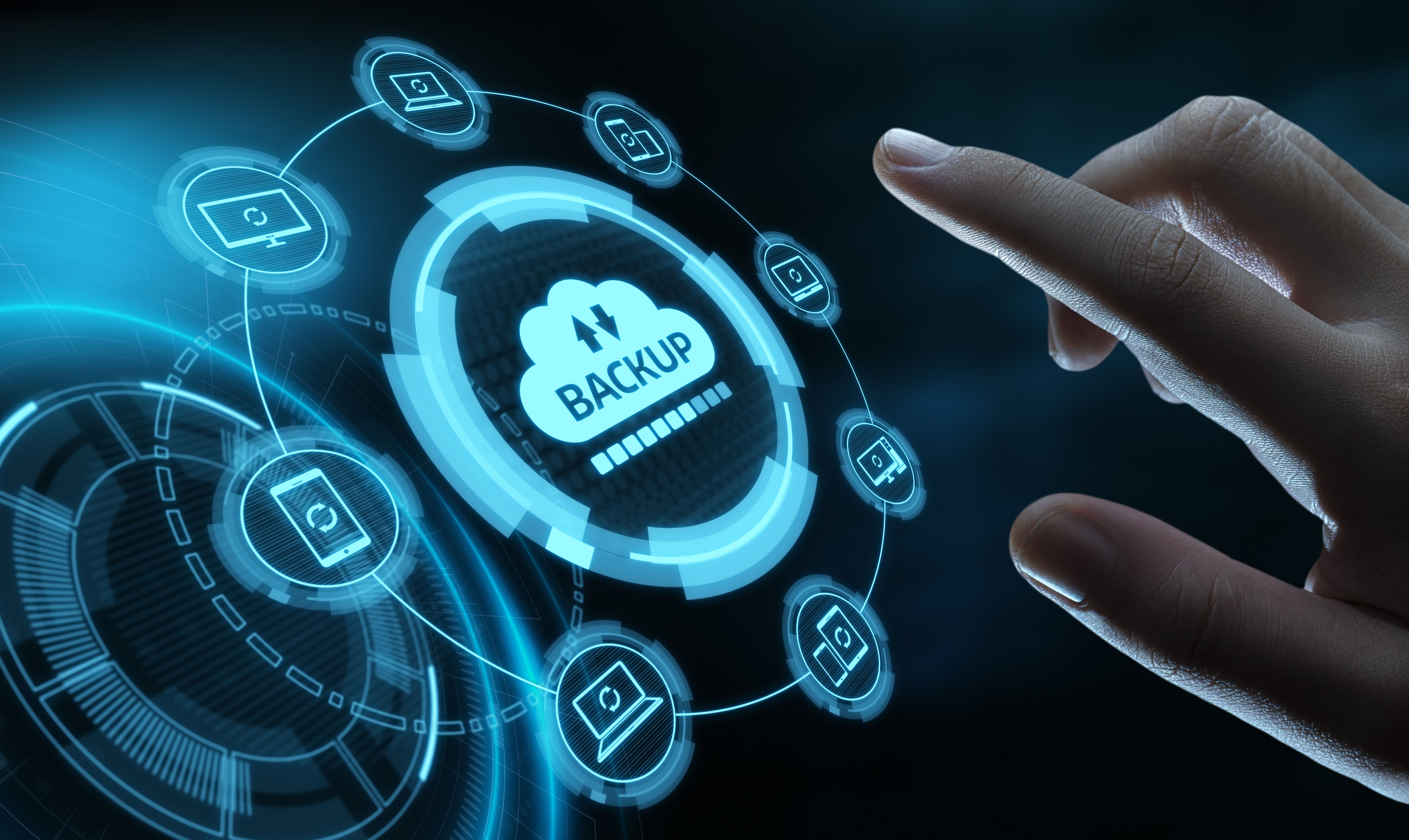
Spring is also a good time to review your backup and disaster recovery plans. Ensure that your data is backed up regularly and that recovery procedures are in place. This proactive approach can save your business from potential data loss due to unforeseen events.
Summer: Optimize Cooling Systems
With the Texas heat, summer demands a focus on cooling systems for your IT infrastructure. Overheating can lead to hardware failures and data loss. Ensure that all cooling systems are working efficiently and consider investing in additional cooling solutions if necessary.
- Check and maintain cooling systems
- Monitor temperatures regularly
- Invest in additional cooling if needed
Network Security Enhancement
As employees take vacations, ensure that your network security remains robust. Implement measures such as two-factor authentication and regular security audits to protect sensitive information from unauthorized access.

Fall: Prepare for Busy Seasons
Fall is a critical time to prepare for the busy holiday season. Evaluate your IT infrastructure's capacity to handle increased traffic and transactions. Upgrade bandwidth if necessary to avoid slowdowns and downtime during peak periods.
- Evaluate IT infrastructure capacity
- Upgrade bandwidth
- Plan for increased traffic
Employee Training
Take this opportunity to provide IT training for your employees. Ensuring that your team is well-versed in using new systems and aware of cybersecurity protocols can enhance productivity and reduce risks.

Winter: Ensure Resilience
Winter can bring power outages and other disruptions. Ensure your systems are resilient by implementing uninterruptible power supplies (UPS) and surge protectors. Regularly test these backups to ensure they function correctly when needed.
- Implement UPS and surge protectors
- Test backup systems
- Review emergency protocols
Review and Plan
As the year ends, review your IT maintenance strategies. Reflect on what worked and what didn't. Use these insights to plan for the upcoming year, setting goals for further improvements and ensuring your business stays ahead in the digital landscape.